A simple call recording app for mobile
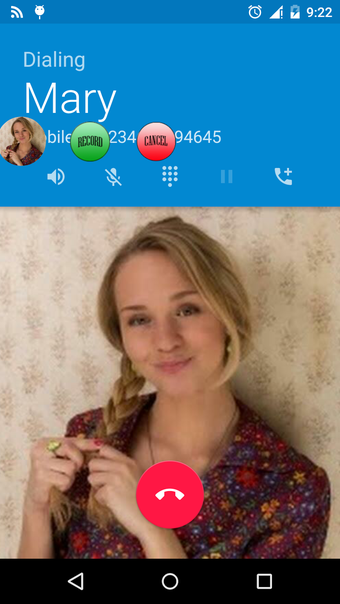
RMC: Android Call Recorder is a free utility application developed by Coconatech for mobile devices. This communication app can help users record and save their conversations during phone calls. It supports both incoming and outgoing calls, as well as features a manual record button that can be triggered easily.
Just like with Automatic Call Recorder, RMC: Android Call Recorder makes it easy for anyone to grab a copy of their phone conversations for a variety of purposes, such as security or archiving. It supports multiple audio formats and offers various file management and customizations options.
Record, customize, save
In a nutshell, RMC: Android Call Recorder is a recording app for saving incoming and outgoing phone calls. It can automatically record all calls, or you can toggle the manual record button to start the function as needed. You can choose from MP3, AMR, MP4, 3GP, or WAV formats for files. You can even adjust various audio parameters such as volume gain, bitrate, and many others.
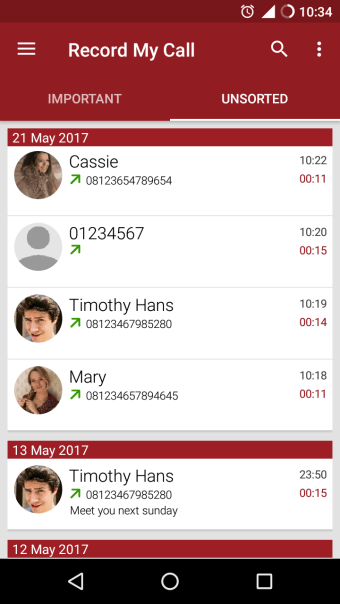
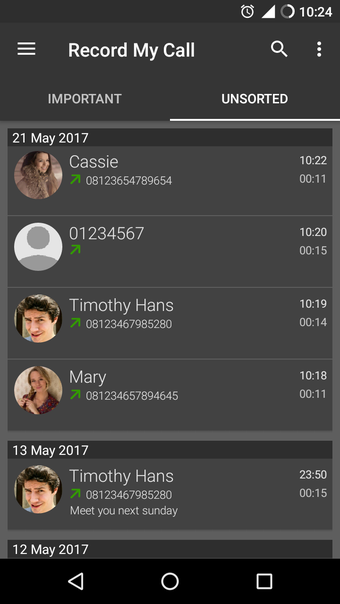
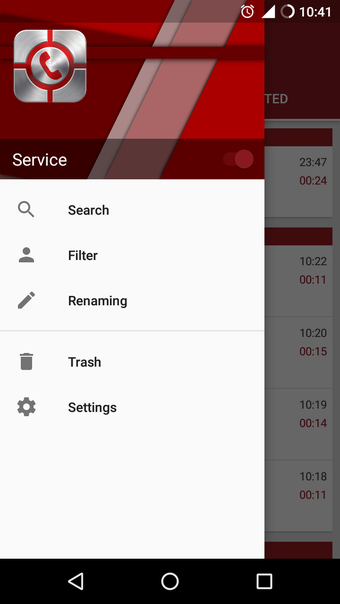
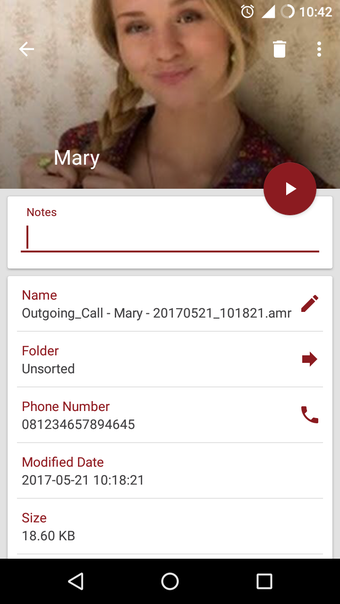
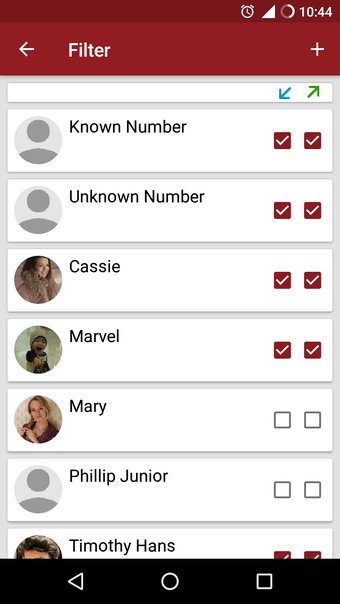
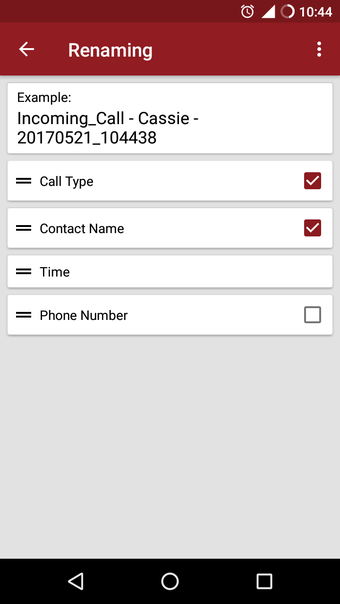
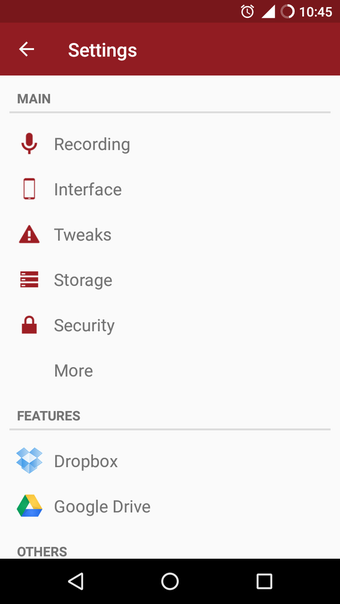
Once your recordings are saved, the app offers file management settings. You get standard ones like file renaming and filtering options, as well as sorting them into two categories: Unsorted or Important. There's even a backup and restore feature to make it easier to retain your data when switching devices. Alternatively, you can upload everything to cloud storage services, Dropbox and Google Drive.
What's more, you can set a 4-digit passcode for safety and security, as well as the option to hide the app on your phone so no one else will see or open it. One caveat that you need to be aware of, though, is that this app can only work with phone calls via speakerphone as it uses your device's built-in microphone to capture sound.
Call recording made easy
If you're looking for a recording app to use with your phone calls, RMC: Android Call Recorder is one of the simplest options available right now. It's easy to use and it offers plenty of customization and management options for your recordings. You are limited to speakerphone calls, though, but if you don't mind that, this application is worth considering.